
Find the right shop and service
near you
BookEase is the shop-discovery site run by the Ease POS team. Pick the service you want, compare shops, then carry on and book with the shop.
Search shops, services or areas on BookEaseBookEase (bookease.co) is a directory of service businesses in Thailand, operated by the Ease POS team. Visitors search shops by category and service and see photos, service lists, prices, location and contact details. Tapping the booking button takes them to the shop’s booking system, which runs on Ease POS (app.easepos.co). Bookings therefore happen inside Ease POS, not on BookEase.
Not sure which shop? Start from what you need
Most people do not start from a shop name — they start from a symptom or something they want done.
- Office syndrome massage Shoulders, neck, back
- Thai massage Full-body relief
- Relaxing spa Aroma, body scrub
- Gel nails Extensions, nail art
- Eyelash extensions Classic, volume
- Brow tattoo Brow shaping
- Hair spa Hair and scalp care
- Hair colouring Colour, highlights
- Private pilates One-to-one training
- Facial treatment Skincare
- Pet grooming Bath and trim
- Men's haircut Barber, shave
Shops that are easy to book online with Ease
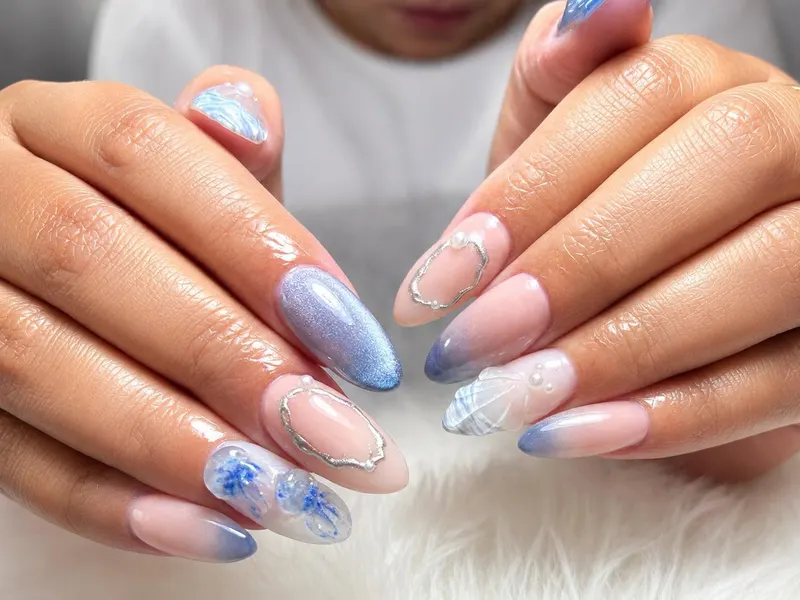
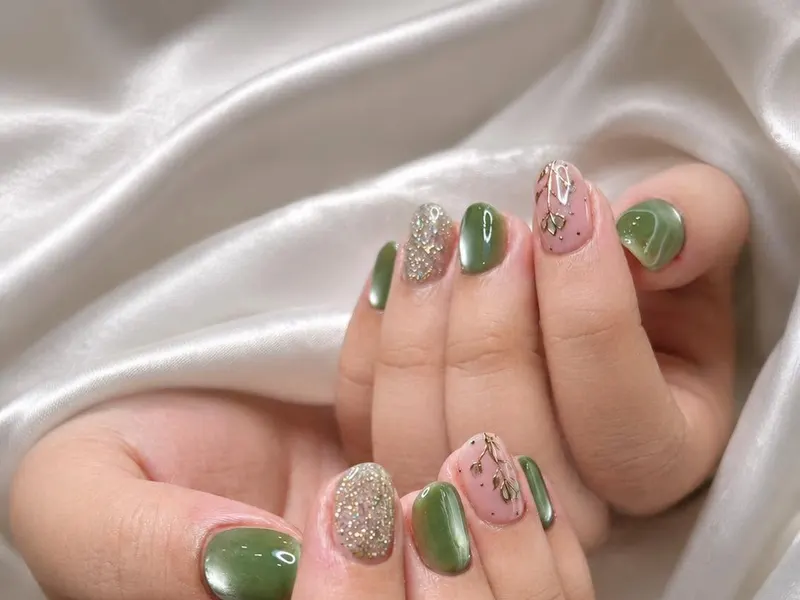
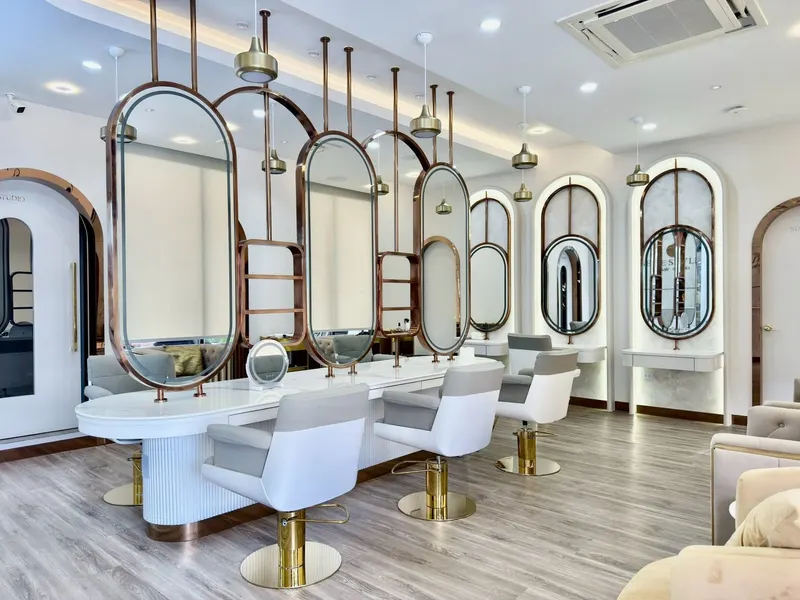
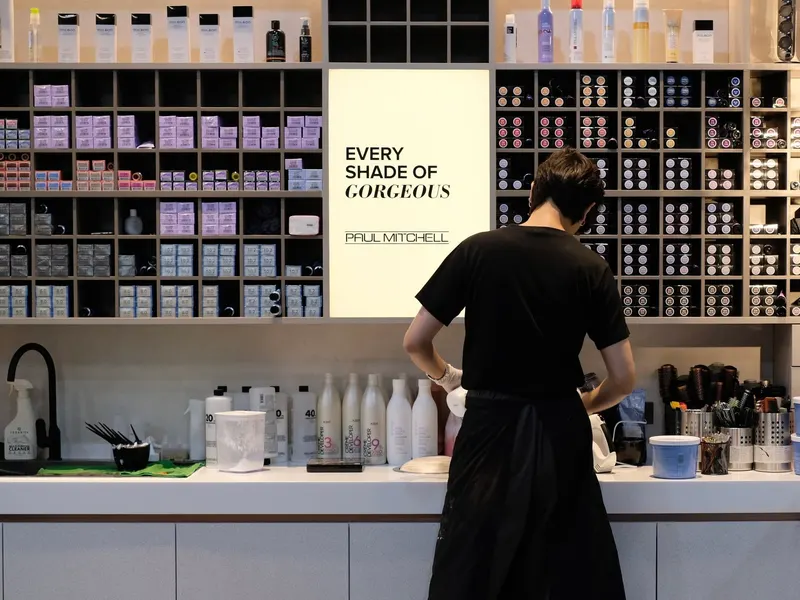
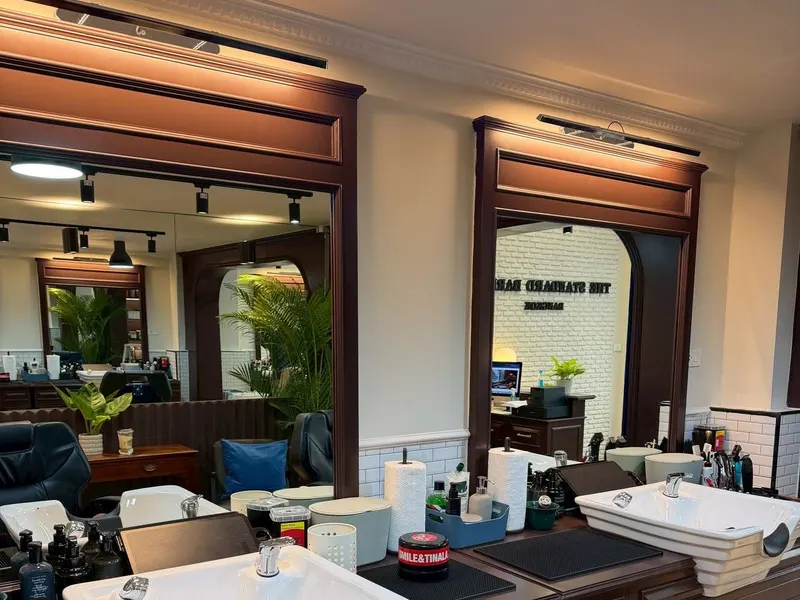
A sample of the shops picked for the featured list on BookEase.



Read before you pick a shop
BookEase runs a Journal covering self-care and how to choose the service that fits you.
- How to pick the right shop
- Self-care through the week
- How these services differ
- What people are booking now
BookEase gets you found, Ease POS takes the booking
These are two separate jobs, not one system.
bookease.co
Customers search by service or category and see photos, service lists and prices, location and contact details, then decide which shop to go to.
The shop’s Ease POS system
Tapping the booking button leads them through branch, service, staff member and a time from the shop’s real open slots. The booking lands in the schedule.
So the shops that get the most out of BookEase are the ones already taking online bookings in Ease POS.
Get found, then get new customers
One link that goes everywhere
Put it in your Instagram, TikTok or Facebook bio, or send it in chat. Customers see your photos, services, prices and location from that one link.
A shot at the featured list
Shops with complete details and a well-kept page can be picked for the featured list — the pages visitors open most.
Contact and share buttons built in
Customers can call you, open the map, or pass your shop to a friend straight from the page — no hunting for a number.
Connected to your real schedule
If you take online bookings in Ease POS, customers can carry straight on and book from your page, and it lands in your schedule with no double entry.
What people ask us
Is BookEase a booking system?
No. BookEase is where customers search and compare shops. The booking itself happens in the shop’s Ease POS system — tapping the booking button on a shop page takes them there.
How does my shop get onto BookEase?
Start by using Ease POS and filling in your shop details, service list, prices and opening hours. Complete details are the baseline; the featured list itself is curated, so talk to our team about whether your shop qualifies yet.
How is this different from building my own website?
Nothing to commission, no domain to renew, nothing to maintain — and your services and prices are tied to your own system. Change them once in Ease POS and the page follows.
How do I know when a customer books?
The booking appears in your Ease POS schedule immediately with a notification. Confirm it or move the time from the same place — no app switching.
Does it work for multiple branches?
Yes, from the Platinum plan up. Customers pick a branch first when they book, and each branch keeps its own schedule.
Ready to let new customers find your shop?
Use Ease POS to open online booking for your customers and put your shop in line for the featured list on BookEase. Free trial, no credit card required.